Blog / Why Your Fashion Website Isn’t Ranking on Google: 15 Reasons & How to Fix Them
Why Your Fashion Website Isn't Ranking on Google: 15 Reasons & How to Fix Them
 1
1
Thin or Duplicate Product Descriptions
This is the single most common issue we see on fashion e-commerce sites. Product pages either reuse the same short description across every color and size variant, copy manufacturer or supplier text word-for-word, or say almost nothing beyond “100% cotton, available in 5 colors.” Google can tell when dozens of your pages say virtually the same thing. When that happens, it struggles to figure out which page deserves to rank; so often, none of them do.
💡 Fix it: Write unique, detailed descriptions for each product that cover fabric, fit, styling use-cases, and care instructions, not just specs.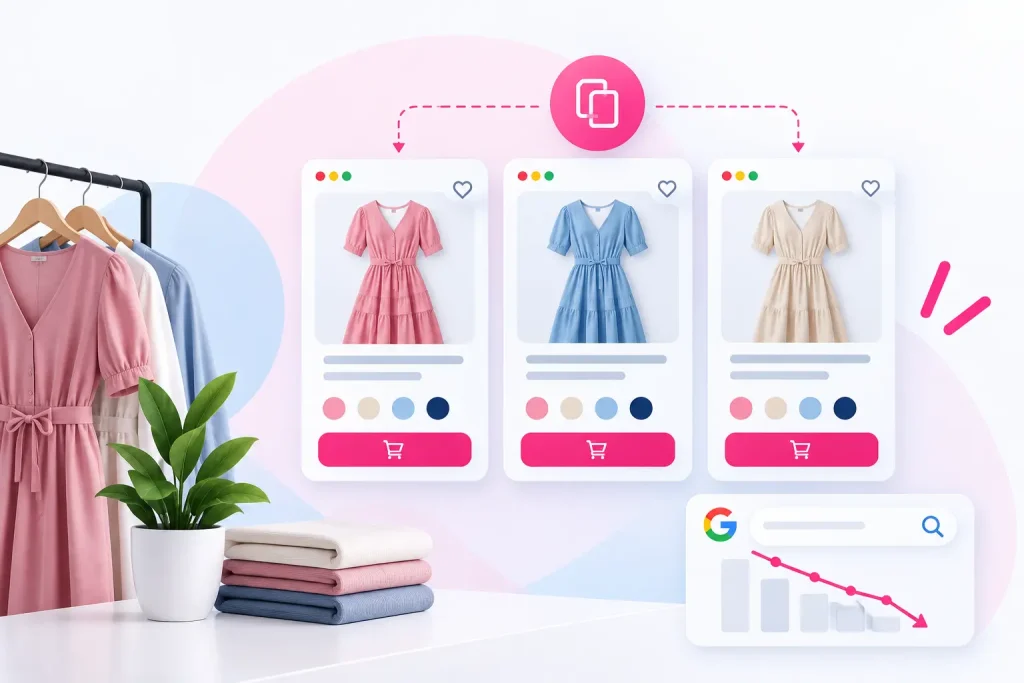 2
2
Targeting Keywords That Are Too Broad
If your product pages and category titles are built around single-word terms like “dresses,” “jackets,” or “boots,” you’re competing directly with massive, established retailers who have years of authority you don’t have yet. 💡 Fix it: Go long-tail. Instead of “black boots,” target “black leather ankle boots for women” or “oversized linen blazer navy.” Less volume individually, far less competition, and closer to a buying decision. 3
3
Duplicate Content From Product Variants
Fashion stores generate dynamic URLs for every color/size combination, often creating dozens of near-identical pages under one product. 💡 Fix it: Use canonical tags to point variant pages back to a single primary URL so Google isn’t left guessing which version to index. 4
4
Duplicate Content From Filtering and Sorting
When customers filter your store by color, size, or price, your website often creates a brand new web page for every combination even though it’s showing the exact same products. So instead of one clean page for “Women’s Dresses,” Google might see 50 different versions like “Women’s Dresses – Red,” “Women’s Dresses – Size M,” and so on, all with nearly identical content. Google gets confused by this repetition and often doesn’t rank any of them well.💡 Fix it: Tell Google to ignore these filtered versions and only index your main category pages. Your website developer or SEO person can set this up through Google Search Console. It’s a one-time technical fix, not something you need to manage manually.
Still Not Seeing Results?
If several of these issues sound familiar, don’t try to fix everything at once. Start with the highest-impact items first. Get a Free SEO Audit 5
5
Missing or Incorrect Canonical Tags
Without canonicals, Google may index the wrong version of a page or split ranking signals across several near-duplicate URLs instead of consolidating them into one strong page. 💡 Fix it: Audit your canonical tags site-wide, especially on product and category pages, to make sure they point to the correct primary URL. 6Weak Image SEO
Fashion is one of the most visual, most image-searched categories online. Generic file names like IMG_2938.jpg, missing alt text, and uncompressed images all cost you visibility in Google Images and Google Shopping. 💡 Fix it: Rename image files descriptively (women-navy-linen-blazer.jpg) and write specific, keyword-relevant alt text for every product image.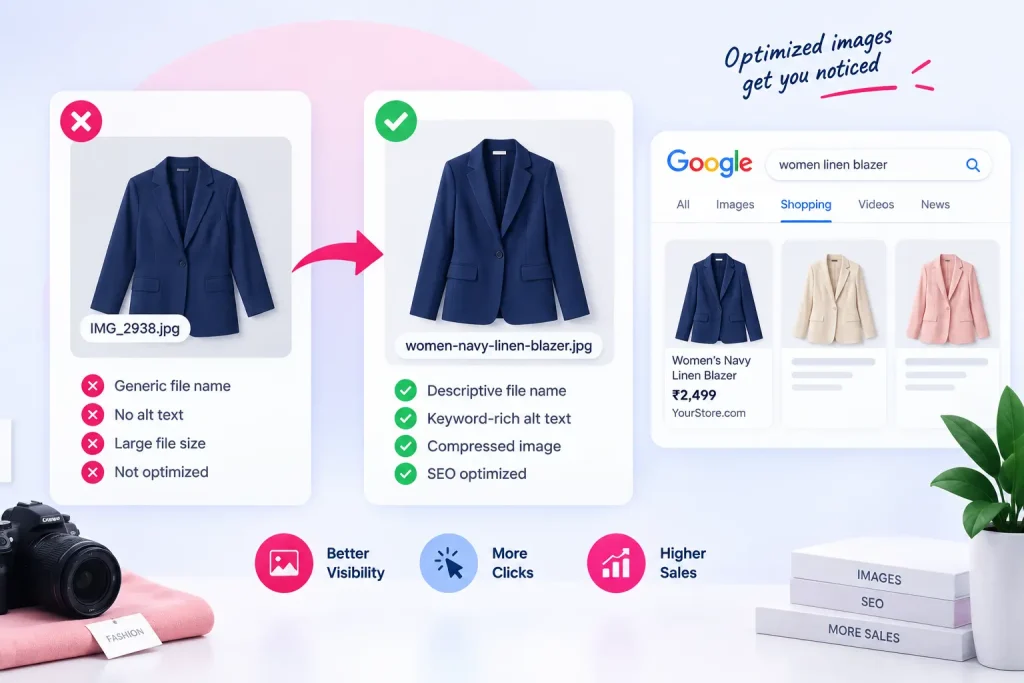 7
7
Slow Page Speed
If your product photos are large, uncompressed files, or your site’s theme has a lot of unnecessary code running in the background, your pages will load slowly. Google actively ranks faster websites higher, and slow sites also lose customers who simply give up waiting.💡 Fix it: Compress your product images before uploading them, and don’t load every image on a page immediately — load them as the customer scrolls. Test your site speed using Google’s free PageSpeed Insights tool and fix whatever it flags.
 8
8
Poor Mobile Experience
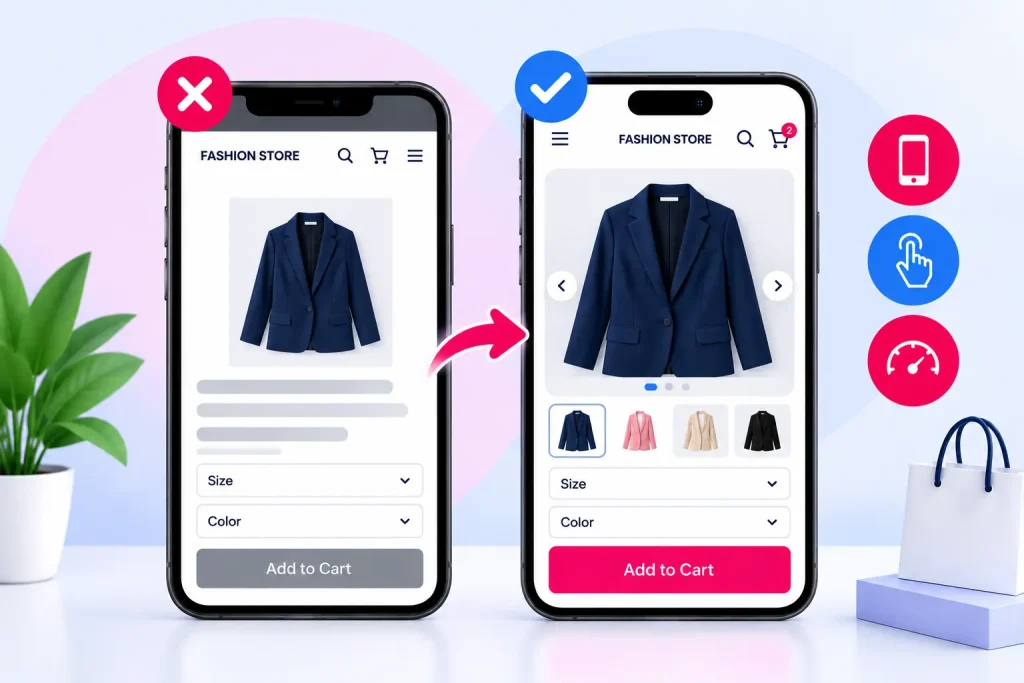
Most fashion shopping happens on mobile, and Google uses mobile-first indexing, meaning it judges your site primarily by how it performs on a phone.
💡 Fix it: Test your actual product and checkout pages on a real phone, not just a resized browser window, and fix tap targets, font sizes, and layout shifts. 9No Content Beyond Product Pages
If your entire site is a product catalog with nothing else, Google has little reason to see you as an authority in your niche compared to competitors who publish guides and educational content.
💡 Fix it: Add style guides, fabric care tips, sizing guides, or sustainability content. This builds topical authority and gives customers a reason to trust you before buying. 10Out-of-Stock Pages Left Live With No Redirect
When a product sells out or gets discontinued, many stores just leave that page live and empty, or delete it completely (which creates a broken “page not found” error). Customers who land there from a Google search hit a dead end, and so does Google, which wastes time trying to crawl a page that leads nowhere useful. 💡 Fix it: When a product is gone for good, redirect that page to a similar product or the right category page, so visitors (and Google) land somewhere useful instead of a dead page.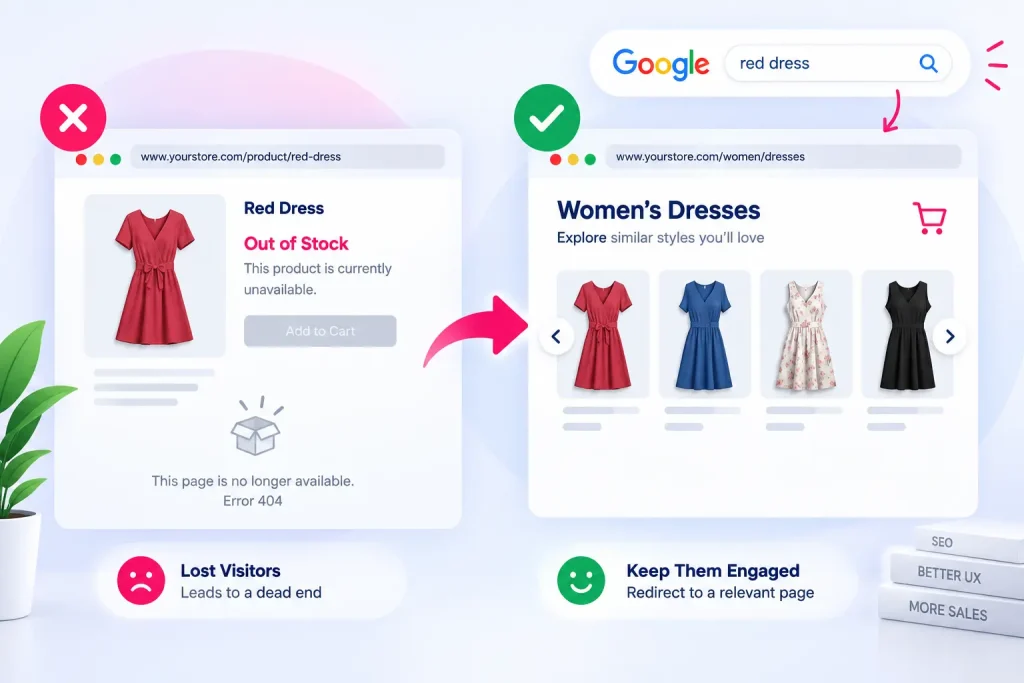 11
11
Weak Internal Linking Between Products and Content
Many fashion stores don’t link their blog/guide content to relevant product pages (or vice versa), leaving pages isolated with no link equity flowing between them. 💡 Fix it: Link naturally from guides and category pages to relevant products, and from product pages to related style content. 12Ignoring Search Intent on Content Pages
Sometimes a blog post technically covers a topic, but really it’s just a sales pitch dressed up as an article. The reader came looking for genuine help or information, and instead gets a page that’s mostly trying to sell them something. Google can tell when content doesn’t match what people are actually searching for, and it holds those pages back in rankings. 💡 Fix it: Make sure your content genuinely answers the question in the title before mentioning your products. Let the helpful information come first; product mentions should feel like a natural next step, not the whole point of the page. 13No Product Reviews or User-Generated Content
When a product page has no reviews, it can feel empty or untrustworthy to both shoppers and Google. Reviews show that real customers have actually bought and used the product — they build trust for new visitors, and they also give Google fresh, unique content on that page instead of just your own product description. 💡 Fix it: Add a reviews section to your product pages, and make it easy for customers to leave one. For example, by sending a follow-up email a week or two after their order asking them to share feedback. 14
14
New Domain With Little Authority or Backlinks
If your site is new or has few backlinks, competing for even moderately competitive fashion keywords will be an uphill climb no matter how well-optimized your pages are.💡 Fix it: Be realistic about timelines, focus on long-tail keywords you can actually win in the short term, and build authority steadily through guest content, PR mentions, and supplier/partner links. This kind of authority-building is a core part of ongoing SEO services. It’s rarely something that happens on its own without a deliberate strategy behind it.
 15
15
Expecting Overnight Results
SEO for fashion e-commerce is a compounding channel, not a paid ad you switch on. Many brands give up on organic search after a few months because rankings haven’t moved yet, right around the time results usually start to show. 💡 Fix it: Treat SEO as a 6-12 month investment, track progress through Search Console rather than daily rank checks, and keep publishing and fixing consistently.What This Actually Looks Like When You Fix It
We worked with a sustainable textile and fabric supplier that had almost all of the issues above. Within a year of addressing exactly these issues, the results were:Organic clicks grew from 250/month to over 152,000
Keyword rankings grew from 347 to over 1,900
Total sales grew 162%, with zero paid advertisingYou can read the full breakdown, including the before-and-after numbers, in our SEO Success Stories.
Fashion E-Commerce SEO: Where to Start Fixing Your Rankings
If you recognize several of these issues on your own site, don’t try to fix everything at once. Start with the highest-impact items first. Product description quality and duplicate/technical content issues tend to move the needle fastest, followed by content, images, and backlinks.
If you’d like a second pair of eyes on where your site is actually losing visibility, get a free strategy call and audit with Evogen Digital Marketing. We’ll walk you through exactly what’s holding your rankings back and what to fix first.
Ready to Improve Your Fashion Website's Rankings?
Get a Free Strategy Call & Audit
ABOUT THE AUTHOR